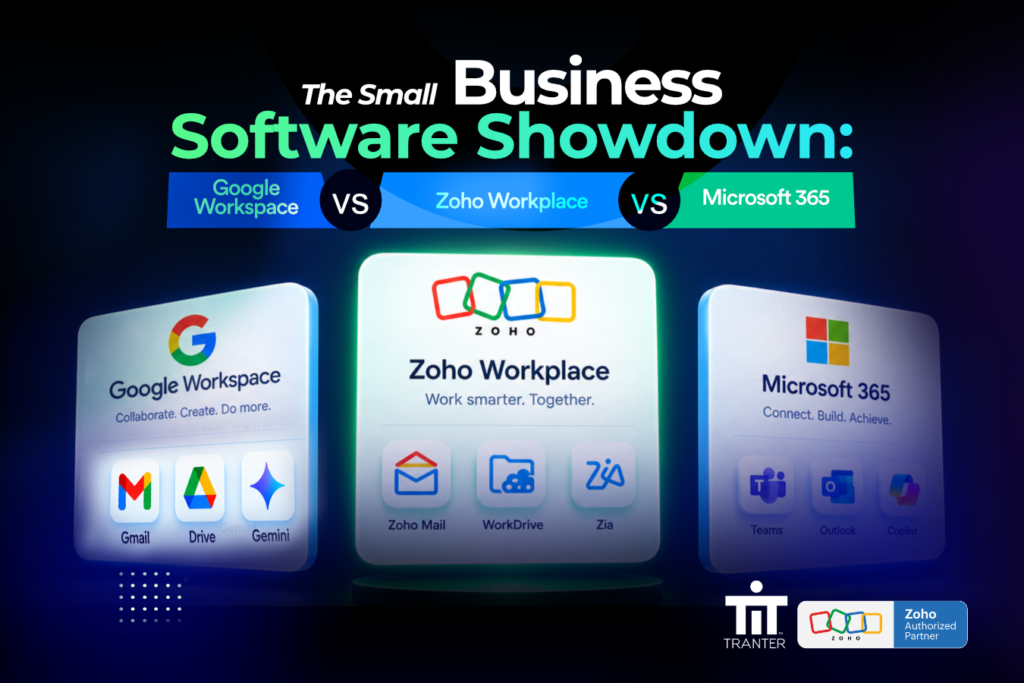
The Small Business Software Showdown: Zoho Workplace vs Microsoft 365 vs Google Workspace.
Most small businesses don’t set out to run three or four separate tools for email, chat, video, and files. It happens gradually. You start with an email provider, add a chat app once the team outgrows group texts, sign up for a video tool once clients start asking for calls, and add cloud storage because someone’s inbox keeps hitting its limit. A few years later, a five-person company is paying several vendors and nobody remembers exactly why.
Chances are that starting point was Google Workspace or Microsoft 365, since between them they run most of the world’s business email. Both have gotten better at bundling chat, video, and file storage into their core plans. So the real question for a small team isn’t whether to leave email behind. It’s whether a third option, Zoho Workplace, does the same job for less money and less complexity, and it’s worth knowing exactly where each platform has the edge.
This guide compares all three head-to-head: what’s included, what things actually cost, how security stacks up, and what switching looks like in practice.
What’s Actually Included in Zoho Workplace
Zoho Workplace bundles nine applications under one account: Mail, Cliq, Meeting, Writer, Sheet, Show, WorkDrive, Connect, and ShowTime. They’re managed from a single admin console rather than several separate vendor dashboards.
For a business owner, that mostly means one bill and one login. For whoever handles IT, it means managing users and permissions in one place instead of piecing together access across separate systems for mail, chat, and file storage.
• Zoho Mail handles business email on the company’s own domain, with calendars, contacts, and tasks included.
• WorkDrive stores files with team folders, permission settings, and previews for more than 220 file formats.
• Writer, Sheet, and Show cover documents, spreadsheets, and presentations, and connect directly to WorkDrive.
• Cliq handles day to day messaging so not every question turns into an email thread.
• Meeting covers video calls, and Connect gives departments a shared space for company-wide updates.
Zoho’s AI assistant, Zia, is built into most of these apps and helps with writing, summarizing, and finding information without switching tools. It’s included in paid plans at no extra cost.
Zoho Workplace vs Microsoft 365 vs Google Workspace: Feature by Feature
Here’s how the three compare on the things that actually matter to a small team, not just the marketing pages.
|
Feature |
Zoho Workplace |
Microsoft 365 |
Google Workspace |
|
Email on your own domain |
Yes |
Yes |
Yes |
|
Team chat included |
Cliq |
Microsoft Teams chat |
Google Chat |
|
Video meetings included |
Zoho Meeting |
Microsoft Teams |
Google Meet |
|
File storage & collaboration |
WorkDrive, 220+ format previews |
OneDrive / SharePoint |
Google Drive |
|
Office suite |
Writer, Sheet, Show |
Word, Excel, PowerPoint |
Docs, Sheets, Slides |
|
Built-in AI assistant |
Zia, included in paid plans |
Copilot, usually a separate add-on |
Gemini, now bundled into plans |
|
Company-wide knowledge hub |
Connect |
Viva Engage (higher tier) |
No direct equivalent |
|
Typical entry price per user/month |
Roughly $4 to $7 (AI included) |
Roughly $6 to $12.50 (AI extra) |
Roughly $7 to $14 (AI included) |
A few things stand out. Microsoft still sells its AI assistant, Copilot, as a separate add-on layered on top of a base plan, so the advertised base price is rarely the real cost once AI is part of the ask. Google folded Gemini into its Business and Enterprise plans and raised prices to cover it, so AI is included but the plan itself costs more than it used to. Zoho includes Zia in its paid plans without a separate AI charge or a recent price jump to pay for it.
How Zoho Workplace Compares to Google Workspace Specifically
Google Workspace is the closest comparison for most small teams, since it already bundles Gmail, Docs, Sheets, Slides, Meet, Chat, and Drive the same way Zoho Workplace bundles its own apps. This isn’t a case of one tool against four scattered ones. It’s a genuine head-to-head comparison.
Where Zoho tends to pull ahead is price per seat and the depth of a few specific features. WorkDrive’s permission structure and its ability to preview more than 220 file formats matters for firms managing a lot of client files across a growing team. Zoho Connect gives a company an internal knowledge and update space that Google Workspace doesn’t have a direct equivalent for, short of upgrading to a higher tier elsewhere. And for a business already using Zoho CRM or Zoho Books, Workplace plugs directly into that ecosystem in a way Google Workspace simply can’t.
Where Google Workspace holds its own is familiarity. Most people already know Gmail, Docs, and Meet, and a team that’s happy with Google’s interface may not see enough upside in switching to justify the migration effort. That’s a fair reason to stay put, and it’s worth being honest about with a client rather than overselling the move.
Migrating from Google Workspace specifically
Moving off Google Workspace has a few extra considerations worth flagging during planning. Google Docs, Sheets, and Slides files convert into standard formats during migration, so anything built with heavy Apps Script automation, complex Sheets formulas, or custom Slides add-ons should be tested before the switch, not after. Shared drives, Google Groups, and calendar sharing rules also need to be mapped in advance so nothing quietly breaks when access moves to a new system.
The Cost Difference, With Real Numbers
Based on current published list pricing, a small team can expect roughly this range per user per month, at the entry and mid-tier levels:
• Zoho Workplace: roughly $4 to $7, with Zia AI included.
• Microsoft 365: roughly $6 to $12.50 for the base plan, plus another $18 to $21 if Copilot is added on top.
• Google Workspace: roughly $7 to $14, with Gemini AI now included in that price.
The gap widens fast once a team wants AI features alongside everything else. A ten-person team adding Copilot to a Microsoft 365 base plan can end up paying more per seat for email, documents, and AI combined than the same team would pay for the equivalent Zoho Workplace plan, Zia included.
None of this means cost should be the only factor. But for a team already frustrated by the number of subscriptions it’s juggling, or the size of the bill once AI gets added on, the price difference is usually what starts the conversation.
Security Features Included by Default
The security features that usually sit behind a premium tier elsewhere come standard with Zoho Workplace:
• End-to-end encryption for mail, chat, and stored files
• Two-factor authentication turned on by default across every seat
• Single sign-on through Zoho Directory
• GDPR-aligned handling of client and company data
This matters most for businesses handling contracts, financial records, or customer data they can’t afford to have exposed, and it’s one less thing to negotiate or pay extra for later. Both Microsoft and Google offer comparable protections, but often at a higher plan tier than the one a small team is already on.
Who Zoho Workplace Fits, and Who Should Stay Put
Zoho Workplace tends to fit teams of roughly five to fifty people, businesses already paying for several overlapping tools, companies already using Zoho CRM or Zoho Books, and teams currently on Google Workspace or Microsoft 365 who’ve started noticing the bill creep up as AI features get added on.
The honest version of this isn’t that Zoho Workplace replaces Microsoft 365 or Google Workspace everywhere. It’s that for a specific kind of small team, it does the same job for less, without losing the features that team actually uses day to day.
What Migration Looks Like, Step by Step
The thing that usually delays this decision isn’t cost or features. It’s the fear of breaking something on a Monday morning. A migration that’s handled properly moves through four steps.
• Assess: the current setup gets mapped, mailboxes, permission groups, shared drives, everything, before anything changes.
• Build: Zoho Mail, WorkDrive, Cliq, and the rest get configured to match the existing domain and structure.
• Migrate: mail, files, and contacts move over, either all at once or in phases.
• Confirm: access and formatting get tested with the actual team before the migration is called done, with support continuing after.
Handled this way, the switch mostly happens behind the scenes. Employees log in the next morning and keep working, whether they’re coming from Google Workspace, Microsoft 365, or a mix of standalone tools.
Frequently Asked Questions
Is Zoho Workplace cheaper than Google Workspace?
At comparable tiers, yes, typically. Zoho’s entry and mid tier plans run lower per user than Google Workspace’s Business Starter and Standard plans, and Zia is included without the price increase Google applied when it folded Gemini into its plans.
Is Zoho Workplace cheaper than Microsoft 365?
Often, especially once AI is part of the comparison. Microsoft 365’s base plans are competitively priced, but Copilot is sold as a separate add-on, which can push the effective per seat cost well above an equivalent Zoho Workplace plan.
Can I move from Google Workspace to Zoho Workplace without losing my Docs and Sheets?
Generally yes, since files convert into standard formats during migration. Anything built with heavy Apps Script automation or complex spreadsheet formulas should be tested before the full switch.
Does Zoho Workplace include AI like Gemini or Copilot?
Zoho’s AI assistant, Zia, is built into Mail, Writer, Sheet, Show, WorkDrive, and Meeting, and is included in paid plans at no separate charge.
Is Zoho Workplace good for a team that’s already comfortable with Gmail or Outlook?
It can be, but familiarity is a real factor. A team happy with its current tools may not see enough benefit to justify a switch, and that’s worth acknowledging honestly rather than overselling the move.
Getting Help With the Switch
Tranter IT is a certified Zoho Implementation Partner and manages the full process: assessment, setup, and migration, including data coming out of Microsoft 365 or Google Workspace. If you’re considering Zoho Workplace for your team, it’s worth a conversation before deciding either way.
Book a free consultation with Tranter IT to find out if it’s the right fit.